

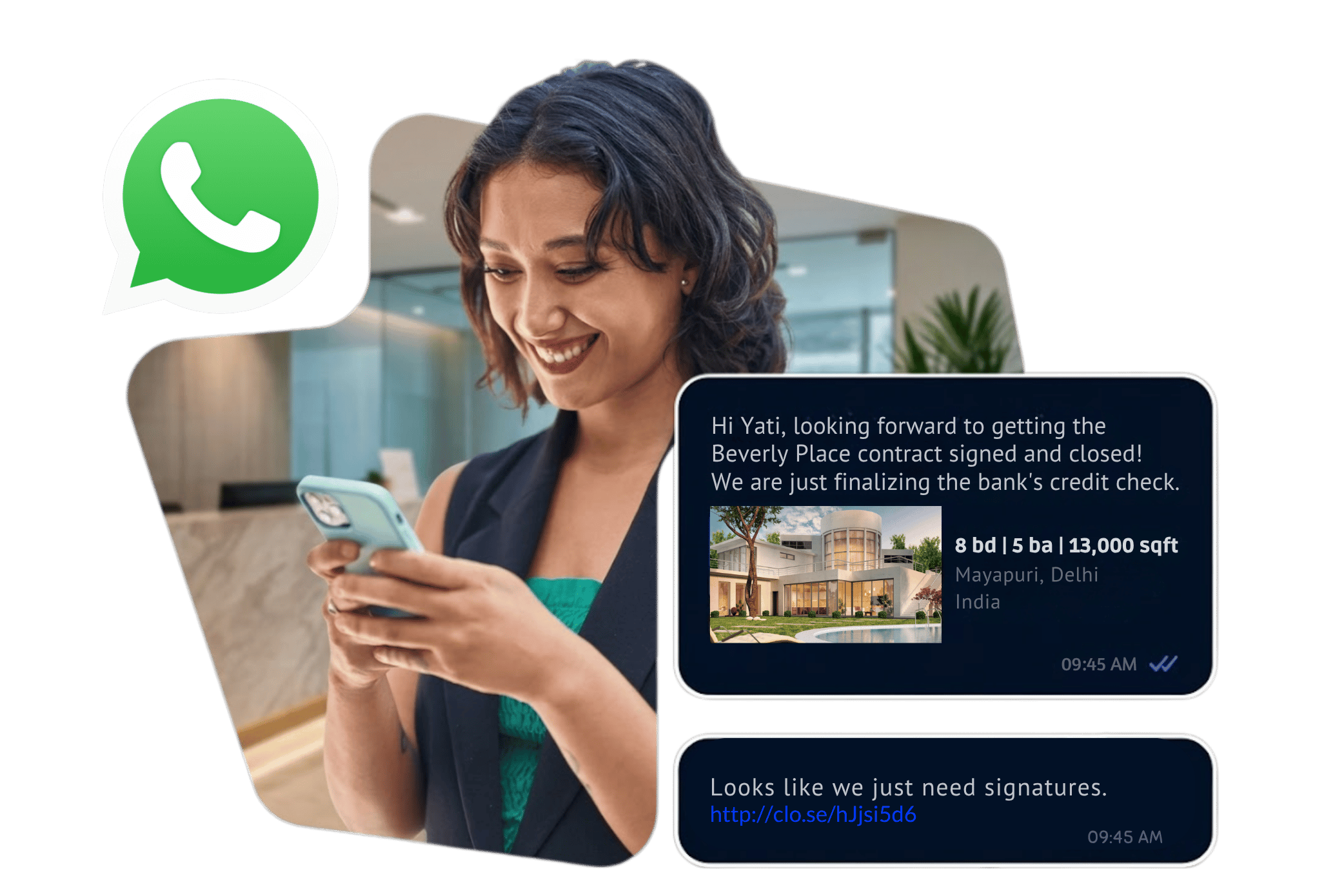
WhatsApp Business API
Connect your business with customers through WhatsApp using automated messaging, customer conversations, notifications, interactive experiences, chatbots and business system integrations.
WhatsApp Business API for Business Communication
WhatsApp Business API enables businesses to connect WhatsApp communication with their applications, CRM systems, customer support workflows and marketing platforms.
Businesses can use the platform to send relevant notifications, respond to customer conversations, automate repetitive interactions and create structured customer journeys through WhatsApp.
Customer Conversations
Connect customers with your business through two-way WhatsApp conversations and assisted communication workflows.
Business Notifications
Send relevant order updates, reminders, confirmations and other business notifications through approved messaging workflows.
Automation
Connect WhatsApp with business systems, chatbots and predefined workflows to automate repetitive customer interactions.
What Can You Do With WhatsApp Business API?
| Capability | Business Application |
|---|---|
| Customer Messaging | Communicate with customers through WhatsApp conversations and support workflows. |
| Notifications | Send relevant confirmations, reminders, updates and alerts using approved message templates. |
| Marketing | Run eligible WhatsApp marketing campaigns for opted-in customers. |
| Chatbot Automation | Automate FAQs, lead qualification, customer journeys and predefined responses. |
| Interactive Messages | Use buttons, lists and other supported interactive message formats to guide customer actions. |
| Media Messaging | Share supported images, documents, videos and other media as part of business communication. |
| CRM Integration | Connect WhatsApp communication with customer records and business workflows. |
| Lead Generation | Capture and manage customer enquiries generated through WhatsApp conversations. |
WhatsApp Business API Features
Automated Messaging
Trigger WhatsApp messages from predefined business events and application workflows.
Message Templates
Create structured templates for eligible business-initiated communication and submit them through the WhatsApp Business Platform.
Interactive Messages
Use supported buttons, lists and interactive elements to make customer interactions easier.
Media Messaging
Send supported images, documents, videos and other media where appropriate.
Chatbot Integration
Build automated conversation flows for FAQs, lead qualification, support and customer journeys.
CRM Integration
Connect WhatsApp conversations with CRM and other business systems to manage customer interactions.
WhatsApp API for Customer Support
Businesses can use WhatsApp as a customer support channel where customers can initiate conversations and support teams can respond through connected workflows.
- Customer enquiries
- Product and service questions
- Order-related support
- Appointment communication
- Complaint and service requests
- Lead follow-up
- Frequently asked questions
- Human-agent escalation after automated interaction
WhatsApp Business API for Marketing
Businesses can use WhatsApp to communicate marketing messages to customers who have provided the appropriate opt-in, subject to applicable WhatsApp policies and message-template requirements.
Offers & Promotions
Share eligible promotional campaigns, offers and product communication with opted-in audiences.
Product Launches
Introduce new products, services or campaigns through conversational WhatsApp experiences.
Lead Follow-Up
Continue conversations with prospects and provide relevant information after an enquiry.
For SMS-based marketing campaigns, explore our Promotional Bulk SMS service as well.
WhatsApp Chatbot & Automation
A WhatsApp chatbot can handle predefined customer journeys and reduce repetitive manual communication. Businesses can design automated flows around their specific requirements.
| Business Requirement | Possible Automated Flow |
|---|---|
| Lead Generation | Customer enquiry → qualification questions → lead details → sales team |
| Product Enquiry | Customer question → product information → options → enquiry capture |
| Appointment Booking | Service selection → available options → customer details → confirmation |
| Customer Support | Customer query → FAQ/options → resolution or agent escalation |
| Campaign Response | Campaign message → customer reply → automated information → CTA |
WhatsApp Business API Integration
WhatsApp Business API can be connected with business applications and backend systems to automate customer communication.
| Integration | Possible Use |
|---|---|
| CRM | Lead management, customer communication and conversation history workflows. |
| Website | Generate WhatsApp conversations from website visitors and enquiries. |
| ERP | Connect selected business events with customer notifications. |
| Ecommerce Platform | Order confirmations, shipment updates and customer communication. |
| Lead Management System | Capture WhatsApp enquiries and route leads to sales teams. |
| Custom Application | Build WhatsApp messaging into a company's own software or workflow. |
Businesses requiring SMS-based API communication can also explore our Bulk SMS API service.
WhatsApp Message Templates
Business-initiated WhatsApp communication uses message templates for applicable messaging scenarios. Templates can include structured content and supported interactive elements.
Marketing Templates
Used for eligible promotional and marketing communication to opted-in customers.
Utility Communication
Used for relevant customer updates such as confirmations, reminders and service-related communication.
Authentication
Used for supported authentication and verification workflows where applicable.
WhatsApp API for Lead Generation
WhatsApp can become part of a lead-generation journey by connecting advertising, websites, landing pages and other customer touchpoints with a conversational follow-up process.
- Customer sees an advertisement, website CTA or other WhatsApp entry point.
- Customer starts a WhatsApp conversation.
- Automated messages collect initial information.
- The conversation qualifies the enquiry based on predefined questions.
- Relevant product or service information is shared.
- Qualified enquiries can be routed to a sales team.
- Lead information can be connected with CRM or lead management systems.
WhatsApp Business API for Different Industries
Retail & Ecommerce
Order updates, product enquiries, promotional communication and customer support.
Real Estate
Property enquiries, lead qualification, project information and sales follow-up.
Healthcare
Appointment communication, reminders, enquiries and selected service notifications.
Education
Course enquiries, admissions communication, reminders and student support workflows.
Automobile
Test-drive enquiries, service communication, booking updates and customer follow-up.
Financial Services
Customer communication, eligible notifications, service enquiries and supported workflows.
WhatsApp Business API vs WhatsApp Business App
| WhatsApp Business App | WhatsApp Business API / Platform |
|---|---|
| Designed primarily for smaller business communication and manual conversations. | Designed for businesses that need programmatic messaging and system integration. |
| Manual customer interaction. | Can support automated and integrated customer communication. |
| Limited automation compared with API-based systems. | Can connect with CRM, chatbots and business applications. |
| Suitable for direct business-to-customer conversations. | Suitable for structured customer journeys and larger-scale business messaging. |
WhatsApp Business API Customer Journey
1. Customer Entry
Customers enter the conversation through an approved WhatsApp entry point such as a website, QR code or campaign.
2. Conversation
The business responds through automated or human-assisted communication.
3. Qualification
Questions and interactive options can help identify the customer's requirement.
4. Action
The customer can be guided toward an enquiry, booking, purchase, support request or other relevant action.
5. Follow-Up
Relevant follow-up communication can be managed through the connected business workflow.
6. CRM Update
Customer or lead information can be passed into connected business systems where configured.
WhatsApp Business API Compliance & Best Practices
- Obtain appropriate customer opt-in before sending applicable business-initiated messages.
- Use approved message templates for applicable business-initiated communication.
- Make the purpose of the communication clear to customers.
- Do not use misleading, deceptive or unwanted messaging practices.
- Keep promotional communication relevant to the audience and their consent.
- Provide appropriate ways for customers to stop receiving promotional communication where required.
- Review current Meta WhatsApp Business Platform policies before launching campaigns.
- Protect customer information within your CRM, chatbot and connected systems.
How to Get Started with WhatsApp Business API
- Define your WhatsApp business use case.
- Prepare your Meta business assets and WhatsApp Business Account requirements.
- Choose the business phone number and messaging setup.
- Plan your customer journeys, chatbot flows and integration requirements.
- Create appropriate message templates for applicable business-initiated communication.
- Connect the API with your CRM, website, application or automation system.
- Test the complete customer journey before production launch.
- Monitor conversations and improve the workflow based on business requirements.
Frequently Asked Questions
1. What is WhatsApp Business API?
WhatsApp Business API is part of the WhatsApp Business Platform that enables businesses to integrate WhatsApp messaging with applications, CRM systems, chatbots and other business workflows.
2. What is WhatsApp Cloud API?
WhatsApp Cloud API is Meta's cloud-hosted API for WhatsApp business messaging. It enables businesses to programmatically send and receive WhatsApp messages through integrated systems.
3. Can WhatsApp Business API be connected with a CRM?
Yes. WhatsApp Business Platform can be integrated with CRM and other business systems to support customer communication, lead management and automated workflows.
4. Can I use WhatsApp Business API for marketing?
Yes, eligible marketing communication can be sent to customers who have provided the appropriate opt-in and where the message and business workflow comply with applicable WhatsApp requirements.
5. Can WhatsApp API be used for chatbots?
Yes. Businesses can connect WhatsApp messaging with chatbot and automation systems to create predefined customer journeys, FAQs, lead qualification and other workflows.
6. Can WhatsApp Business API send images and documents?
Yes. The WhatsApp Business Platform supports media messaging, including supported images and documents, subject to the applicable platform capabilities and policies.
7. Can WhatsApp Business API be integrated with a website?
Yes. Websites can provide WhatsApp entry points such as buttons, links or QR codes that allow customers to start conversations with the business.
8. Does WhatsApp Business API require message templates?
Applicable business-initiated messaging uses WhatsApp message templates. The exact messaging requirements depend on the conversation and message type.
9. Can SMS Deals help with WhatsApp Business API setup?
SMS Deals can help businesses evaluate WhatsApp Business API, chatbot, campaign and integration requirements. Contact the team to discuss your specific workflow.
Start Your WhatsApp Business API Journey
Discuss WhatsApp API integration, chatbot automation, customer communication, lead generation and business messaging requirements with SMS Deals.
Contact SMS Deals